
20 YEARS. ONE BIG ADVENTURE.
THE HUNT ROBLOX 20
The Hunt Roblox 20 brings twenty years of adventures together. Find your next game, understand the rewards, and explore every era of Roblox.
Checked September 18, 2026
Your next stop starts here.
Find the answer you need, then get back to the adventure.
Every game. In order.
See the main journey from Crossroads to Grow a Garden.
Quest. Return. Collect.
Understand how event quests lead to avatar rewards.
Make time for the hunt.
Check the deadline in Pacific, UTC and your region.
Codes, without the guesswork.
What is verified, and where quest rewards fit in.
The Hunt Roblox 20 turns the platform’s anniversary into a journey through its games. You begin in Year Zero and follow a chronological path across the main event. Familiar names share the route with older experiences you might never have visited. That makes this a useful starting point whether you remember classic Roblox or joined much more recently.
The Hunt Roblox 20 has its own rules. Mega Edition walkthroughs describe a different event. Before following a guide, check that its title says Roblox 20 and that its date matches September 2026. Older instructions may send you in the wrong direction.
Use the official The Hunt Roblox 20 hub as your starting point for each session. It connects your current year with the experience you need to enter next. Keep the current objective in mind before you leave: playing the right game is only part of the task, while completing the event-specific requirement is what matters for progress.
A simple route through the years.
Enter the official hub
Start from the Roblox event page and find your current year. Use its portal so you land in the intended experience.
Complete that year’s quest
Read the objective in the game. Ordinary levels, wins or purchases are not automatically the anniversary requirement.
Return and check your reward
Go back to the hub after completing the quest. Check the year and item before moving on to the next stop.
2006 → 2025
From the first bricks to new classics.
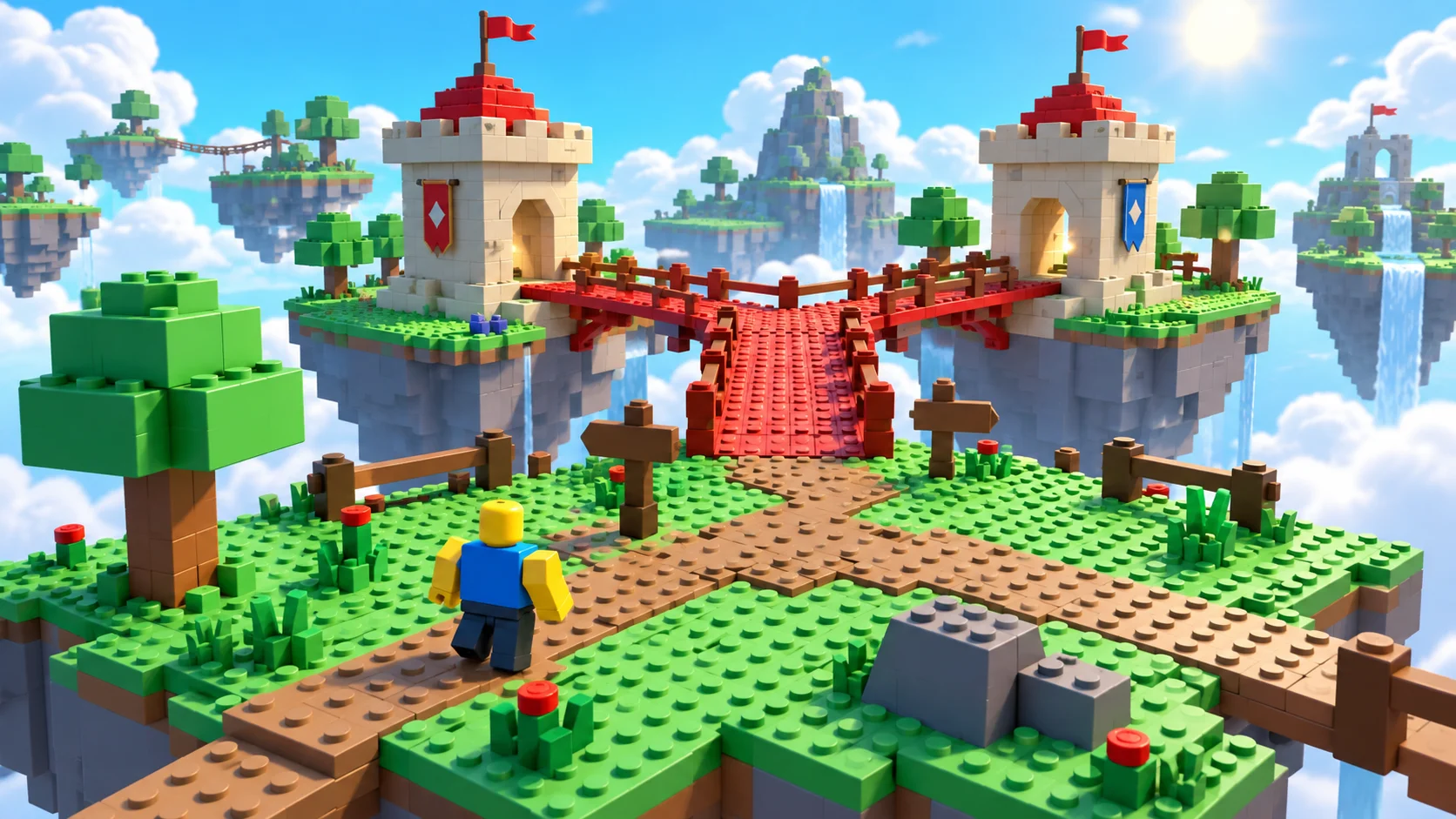
The Hunt Roblox 20 main journey covers twenty years. This order is reported by MM2 Empire and the participating titles are cross-checked against Pro Game Guides. Event years are timeline labels, not necessarily original release dates.
The hub remains the final reference if a portal or label changes. The Year Infinity roster is separate from this main list.
Read the guide ↗Rewards
The reward is in the journey.
Complete the quest. Return to the hub. Check what you have unlocked.
Keep The Hunt Roblox 20 quest progress and hub rewards separate in your head. A completion message inside an experience is your cue to return and inspect the event hub, rather than assume an avatar item has appeared in your inventory. If you stop after a quest, make that return trip before ending the session.
Roblox Plus includes additional anniversary benefits. Those extras should not be confused with the public event’s normal route. Read the current benefit description on Roblox before considering a subscription; a guide, a thumbnail or a player’s outfit is not a reliable purchase checklist.
Read the guide ↗
YEAR INFINITY
Twenty years is only the beginning.
Complete The Hunt Roblox 20 main journey to open Year Infinity, an additional set of twenty experiences announced by Roblox.
Follow the next year available in the hub, then explore the bonus area after finishing the main journey. We have not verified the full Year Infinity roster. Inclusion in an earlier Hunt does not confirm participation in this event.
Roblox announcement ↗Before your next portal.
Closes September 28 · 10 AM PT ↗Read the whole objective
Write down each requirement before starting a quest. A visible counter may cover only part of the challenge. Check both the completion message and hub state before deciding you are finished, so you know what remains.
Keep a note of your last year
If you take a break, note the last year you completed and whether you returned to the hub. That gives your next session a clear starting point. This website does not read your Roblox account or save your event progress, so the years shown here are a reference list, not a live record of your achievements.
Plan around the actual cutoff
The Hunt Roblox 20 ending on September 28 does not mean it lasts until midnight in your country. The published ending is a specific instant in Pacific Time. Look up your local equivalent before saving a difficult quest for the final evening. Leave yourself room to return to the hub and check rewards, rather than only finish the final objective at the deadline.
Check the device before the challenge
Roblox identifies PC and mobile as supported platforms. If your device or region cannot open an experience, check its official listing. Another Roblox game working on your device does not guarantee anniversary access. Keep error messages for Roblox support.
Make each session count.
Your first stop: Crossroads
Pro Game Guides reports two requirements for the 2006 Crossroads challenge: collect ten badge icons and score four KOs. Its walkthrough covers the spawn area, tower, bridge and trampoline, followed by returning to the 2006 hub. Check which requirement remains incomplete before repeating a section. We have not independently playtested this route; current in-game instructions take priority.
Keep the event separate from the shop
Participating experiences may sell cosmetics alongside anniversary quests. A store button does not mean a purchase is required to advance. Read the objective before spending, and distinguish a hub reward from a shop bundle by its name and claim location. For purchase problems, contact Roblox support; this independent guide cannot reverse transactions or inspect inventories.
Playing with friends
Compare your current The Hunt Roblox 20 year before planning a shared session. A friend farther along the timeline may have a different objective waiting. Decide whether you are helping someone finish their current stop or progressing together, and check each account’s result separately. Being in the same server does not by itself show that everyone completed the event requirement.
When progress looks stuck
First compare the quest text with what you actually completed. Then return to the hub and inspect the next-year state. If it still looks wrong, keep a screenshot of the completion message and the experience name. Rejoining may help with a temporary display problem, but it is a troubleshooting step, not a guaranteed fix or an alternative to completing the objective.
Choosing a walkthrough
A useful The Hunt Roblox 20 walkthrough names the experience, the year and the exact objective. Look for an explanation of the objective rather than a claim that an item is free. If two guides disagree, follow the current in-game instructions and check their update dates. Avoid downloads or account-sharing requests: a written explanation should not need access to your password or session.
Returning after the event
Once The Hunt Roblox 20 ends, treat this page as a reference to the anniversary journey. An experience may still be playable without its limited-time quest or item claim working. We do not promise that old rewards remain obtainable, and a working Play button alone does not establish that an event reward is still available.
FAQ
A few things worth knowing.
Checked September 18, 2026
Can I skip straight to a favorite game?
You can look up a game on Roblox, but event progression follows the years in order. For The Hunt Roblox 20, use the current year in the hub as your guide instead of treating the list as twenty freely interchangeable event stops.
Do I need Roblox Plus to take part?
The Hunt Roblox 20 public event has its own opening time. Plus early access and subscriber benefits are separate. The six-hour early-access period began before the public launch; buying Plus later does not recreate that earlier window. Check Roblox for the exact benefits currently offered.
What happens after the first twenty years?
Roblox calls the next area Year Infinity. Its announcement describes twenty more games after the main twenty-year journey. This is a second part of the event, not permission to skip the years you still have left in the main route.
Why does a codes guide have no code strings?
We have no verified active The Hunt Roblox 20 code to publish in this research snapshot. The official event instructions describe quests and hub rewards. We keep the codes page explicit about that distinction rather than fill it with guessed strings or codes from a different Roblox experience.
Can I play on Xbox or PlayStation?
The official event FAQ names PC and mobile. Console support is not established by that FAQ, so we do not promise it. If you cannot enter on a console, check the current official listing and platform support information rather than rely on a guide for a previous Hunt.
Are these pictures screenshots of the event?
The illustrations are original fan artwork inspired by classic block worlds. They are not screenshots, exact maps or pictures of confirmed rewards. Use the official Roblox event page when you need to inspect the actual hub, item appearance or current gameplay.
Event rules and dates come from Roblox. The chronological game list is reported coverage. Information was checked on September 18, 2026; this page is not a live event-status feed.
Pick a year. Find your next adventure.
Start in the official hub, keep the current objective in view, and enjoy the detours through Roblox history.
Open official hub ↗